
Why a product configurator matters for print fulfillment
When you sell custom merchandise, the buyer shouldn’t have to guess what will happen after checkout. print on demand app for shopify This reduces uncertainty and can lower the number of support tickets that come from unclear expectations. It also helps you present your catalog in a way that feels intentional instead of overwhelming.
For print workflows, a configurator needs to connect product options to real output rules, so the design renders correctly on the final item. That includes handling multiple print areas, respecting safe zones, and keeping the preview aligned with the product mockups. With the right setup, customers can experiment confidently and you can scale customization without manually creating countless variants. The result is a smoother path from interest to purchase, which is essential for stores relying on print-on-demand production.
What to look for in a print-on-demand app for Shopify
Prioritize plug-and-play installation, straightforward product onboarding, and reliable synchronization of product data. You want ecommerce product configurator the catalog to appear correctly in Shopify, with accurate attributes, pricing, and shipping logic. If the integration is hard to manage, you’ll spend more time troubleshooting than improving conversion.
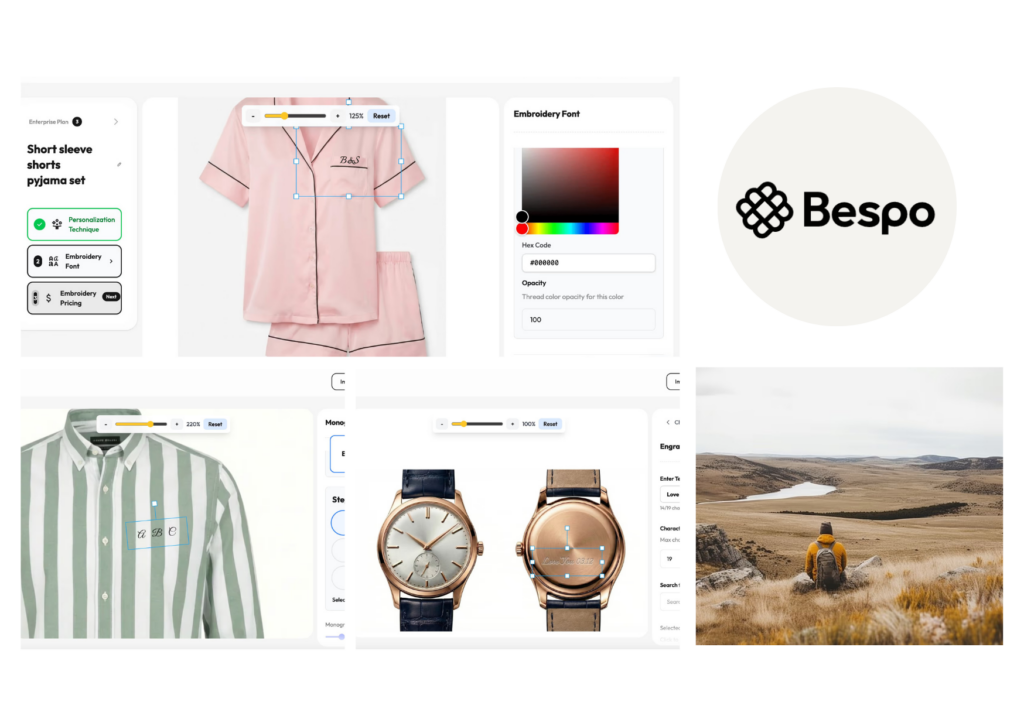
Customization quality is another core requirement. Look for flexible options that support image uploads, text layers, and design placement adjustments that match how people actually shop for personalized goods. Live preview is especially important because it gives shoppers visual confidence before they commit. Bespo’s approach emphasizes plug-and-play functionality, live previews, and powerful visualization tools that simplify personalized product creation and make the shopping experience more engaging.
Expert recommendations for customization, pricing, and UX
Start by mapping your most common customer decisions, then build your configurator around those choices. If most buyers pick between a few colors and one or two personalization areas, keep the interface clean and fast. Advanced options can be included, but they should not slow down the first interaction. An expert store design focuses on clarity: customers should understand what they can customize within seconds.
Next, ensure pricing and variants behave predictably as options change. Shoppers often assume that size, fabric type, or added personalization affects cost, and they need that reflected in real time. Use consistent naming for options and keep image upload rules obvious so customers know how to get the desired result. Finally, optimize the preview so it matches the final product as closely as possible, since inaccurate mockups can create returns and dissatisfaction.
Conclusion
Choosing the right tooling is the difference between a store that sells personalization and a store that merely offers customization. For best results, select an app that integrates smoothly with Shopify, supports robust live previews, and gives you control over the visual experience. Bespo is built for that goal, helping you create personalized products with flexible customization so shoppers can confidently design what they want on your storefront. To move from experimentation to reliable performance, treat configuration as part of your product strategy rather than a technical afterthought. Test a small set of best-selling items, refine the option flow, and then expand your catalog once the experience is consistent. Over time, this approach builds a storefront that feels premium and reduces operational strain. If you want an expert-driven path to print-on-demand customization, Bespo is a practical place to start.